INSNEX Launches Its Updated Software Site and AI Assistant
Explore InsWorks products, downloads, tutorials, case studies, and trial requests in the updated software section. The new InsWorks AI assistant helps answer product and technical questions.



A clearer way to explore InsWorks
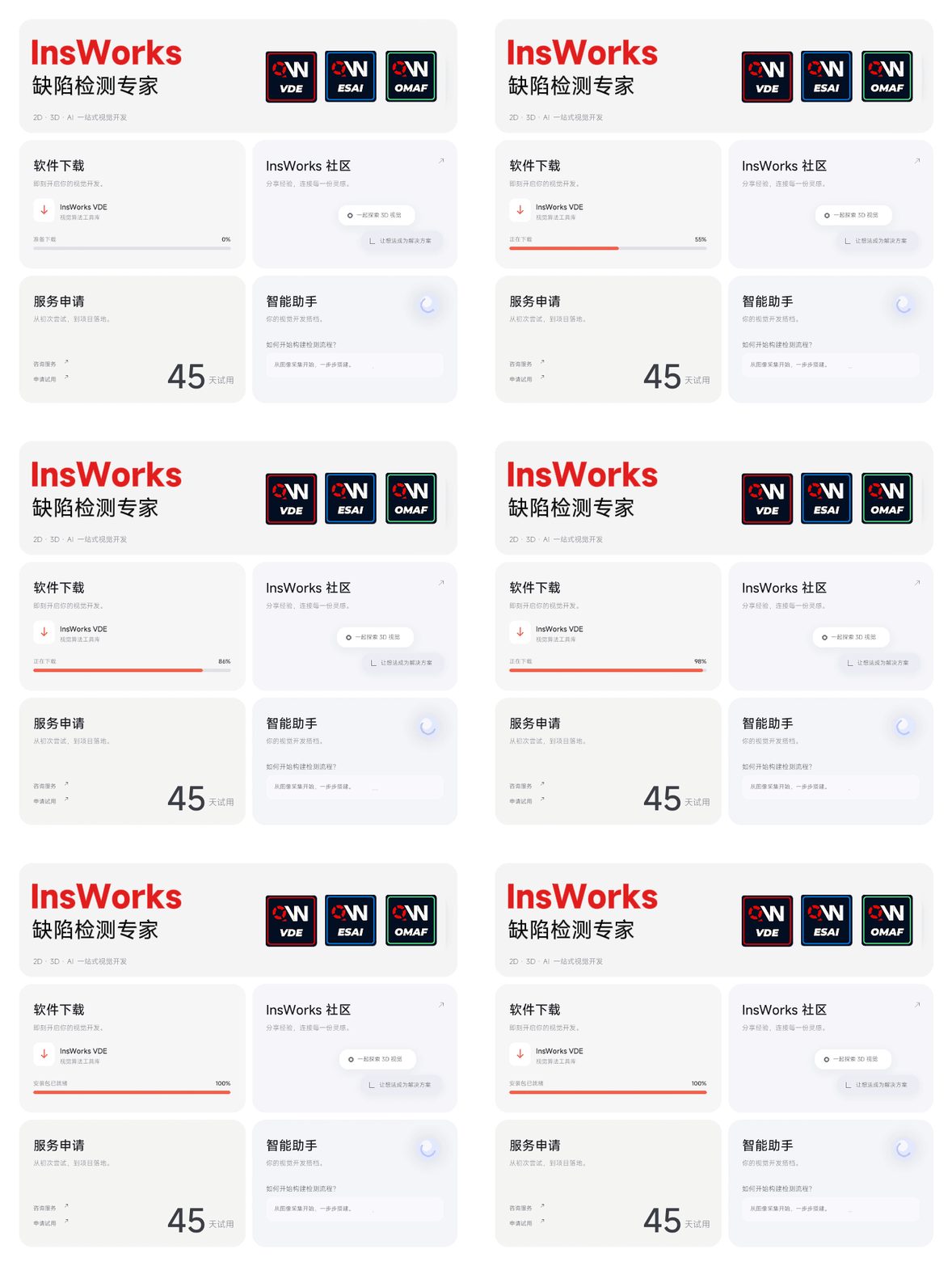
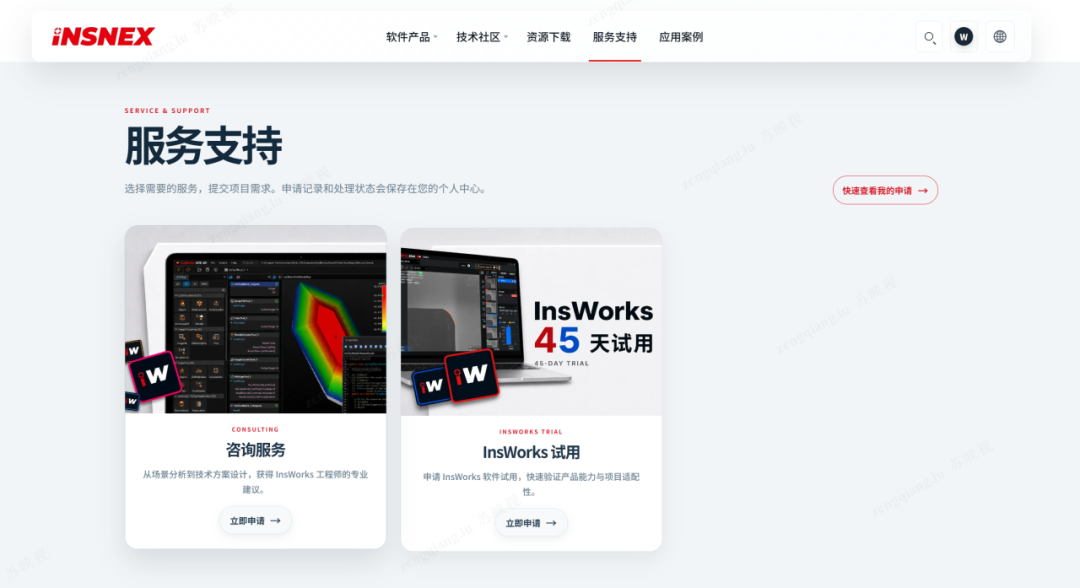
The updated INSNEX software site brings product information, downloads, tutorials, case studies, and trial requests into one place. Engineers can compare VDE, ESAI, and OMAF capabilities and find the right tools for 2D, 3D, and AI inspection.
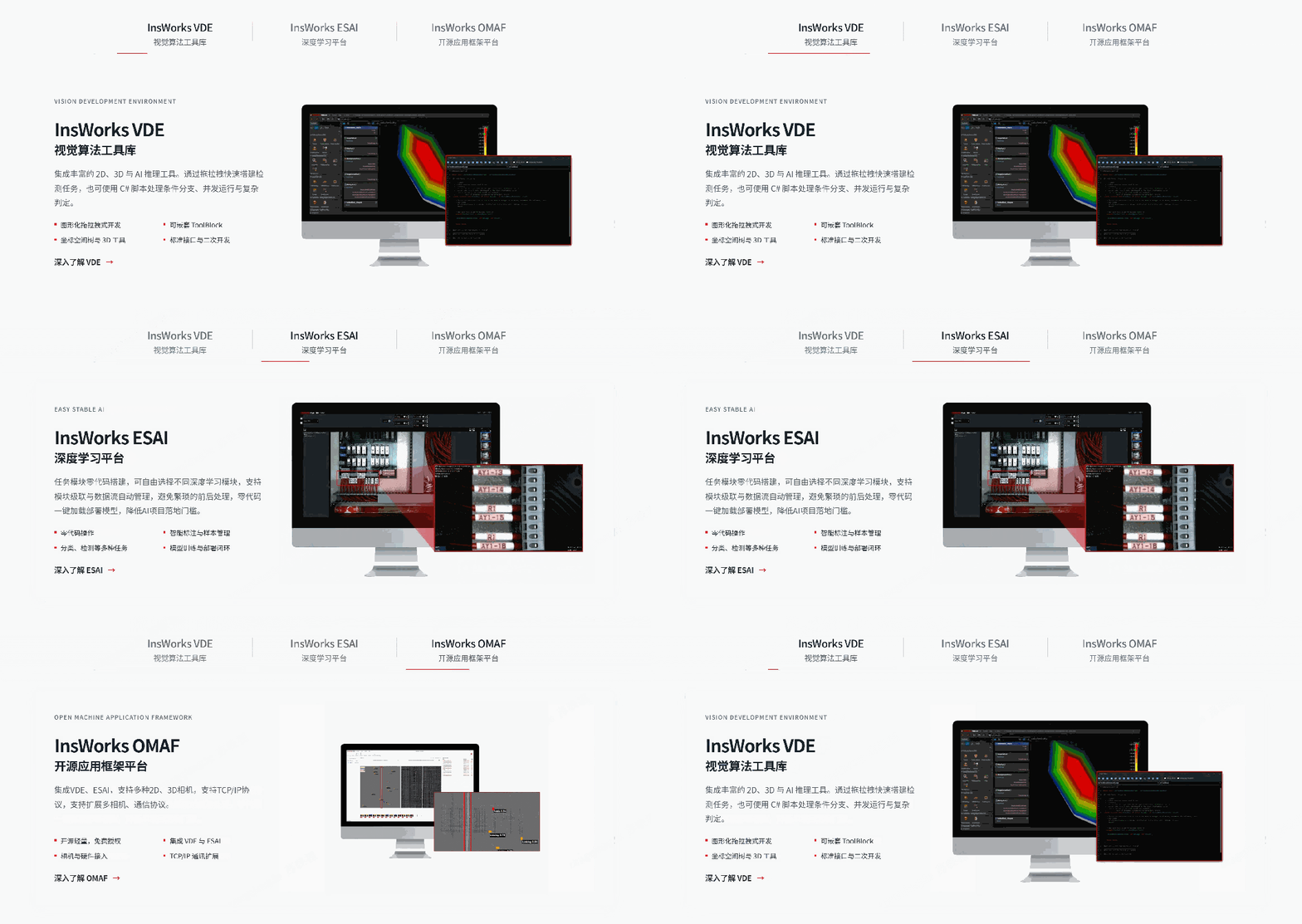
Resources for engineers
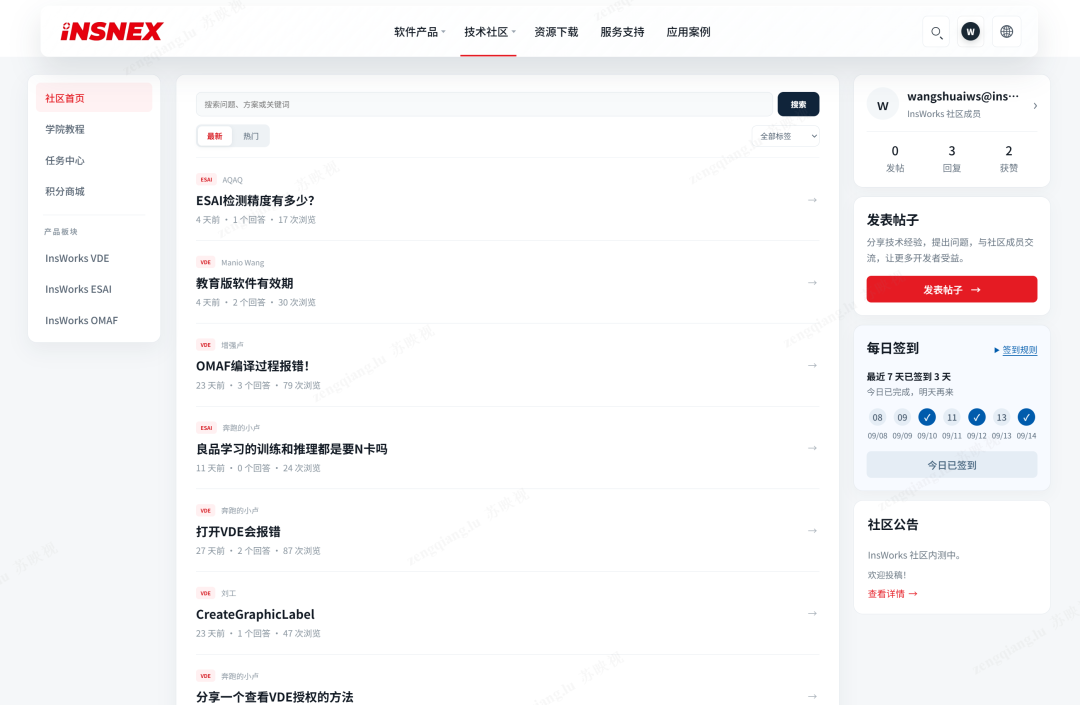
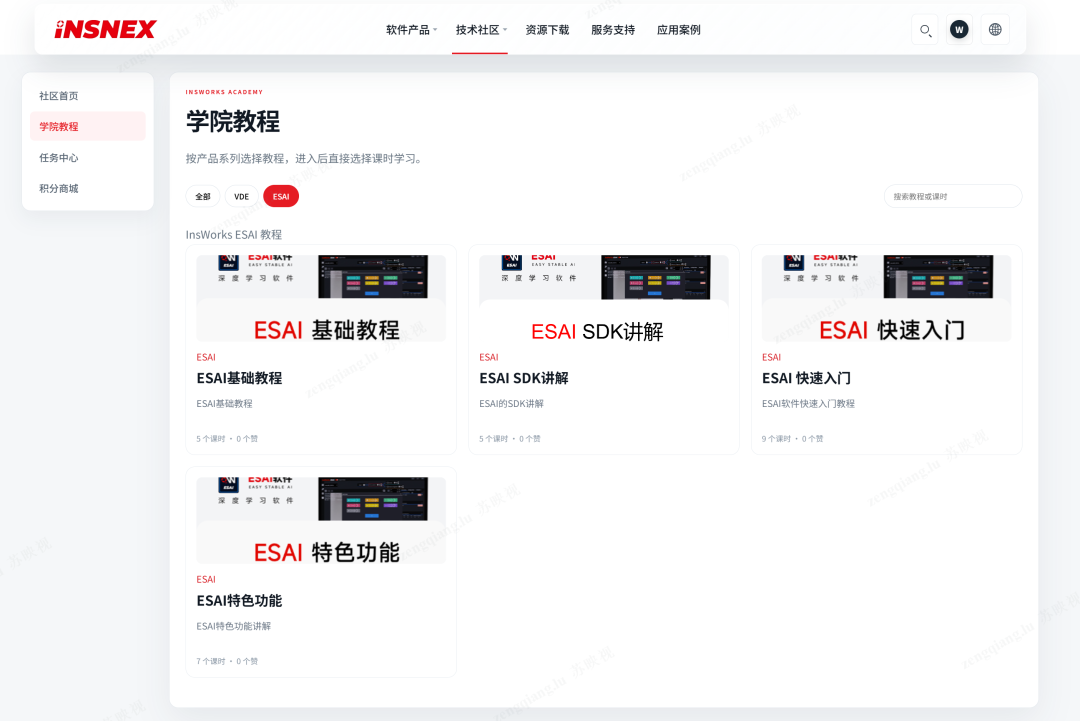
The product pages explain the InsWorks portfolio and its use in 2D, 3D, and AI vision projects. The download center lists current software and version information. In the community, engineers can discuss tool use, algorithms, and application problems; the academy collects tutorials and project walkthroughs. Trial requests are available from the site.

Ask a focused question
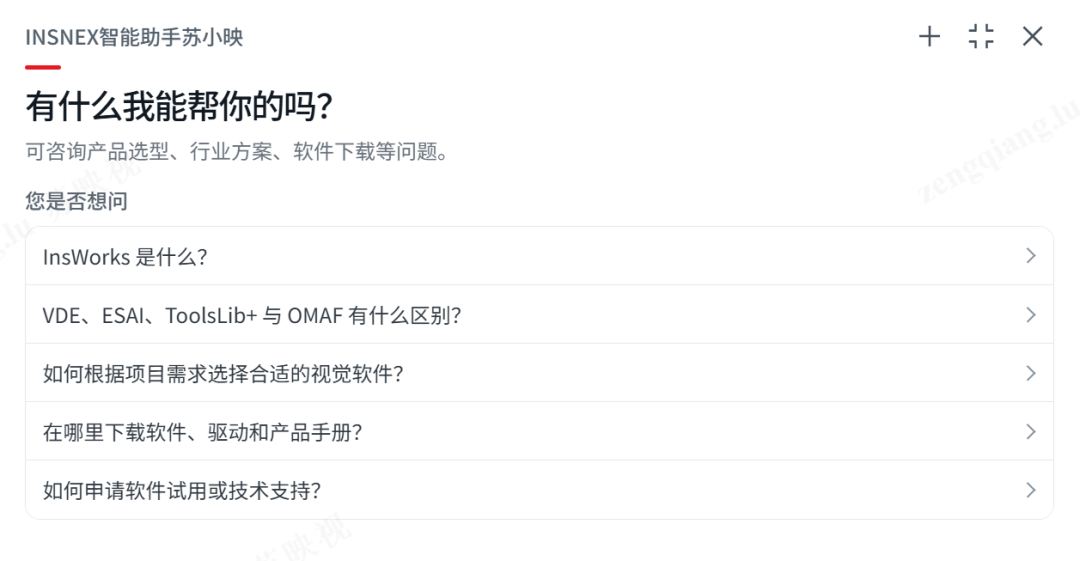
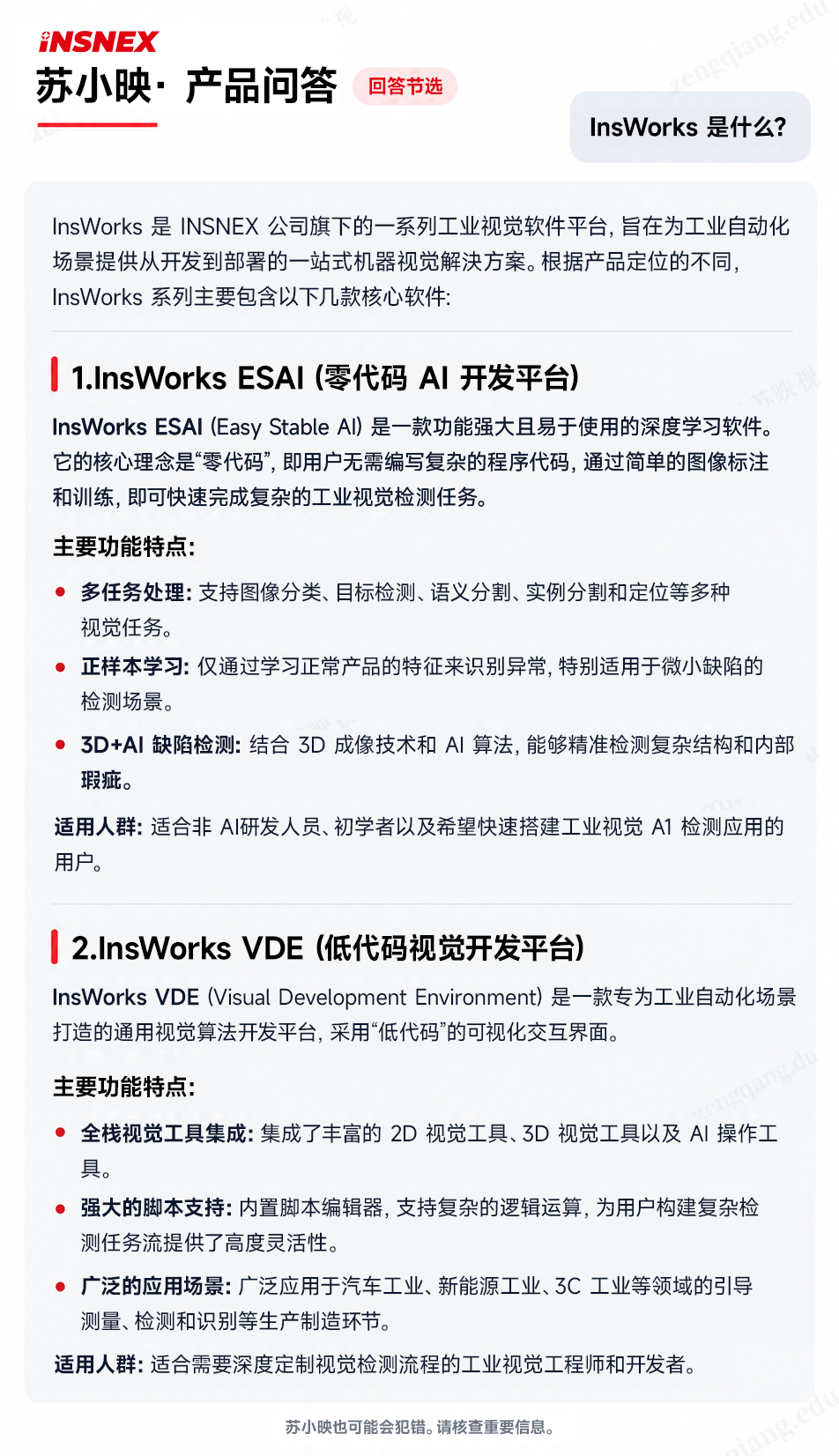
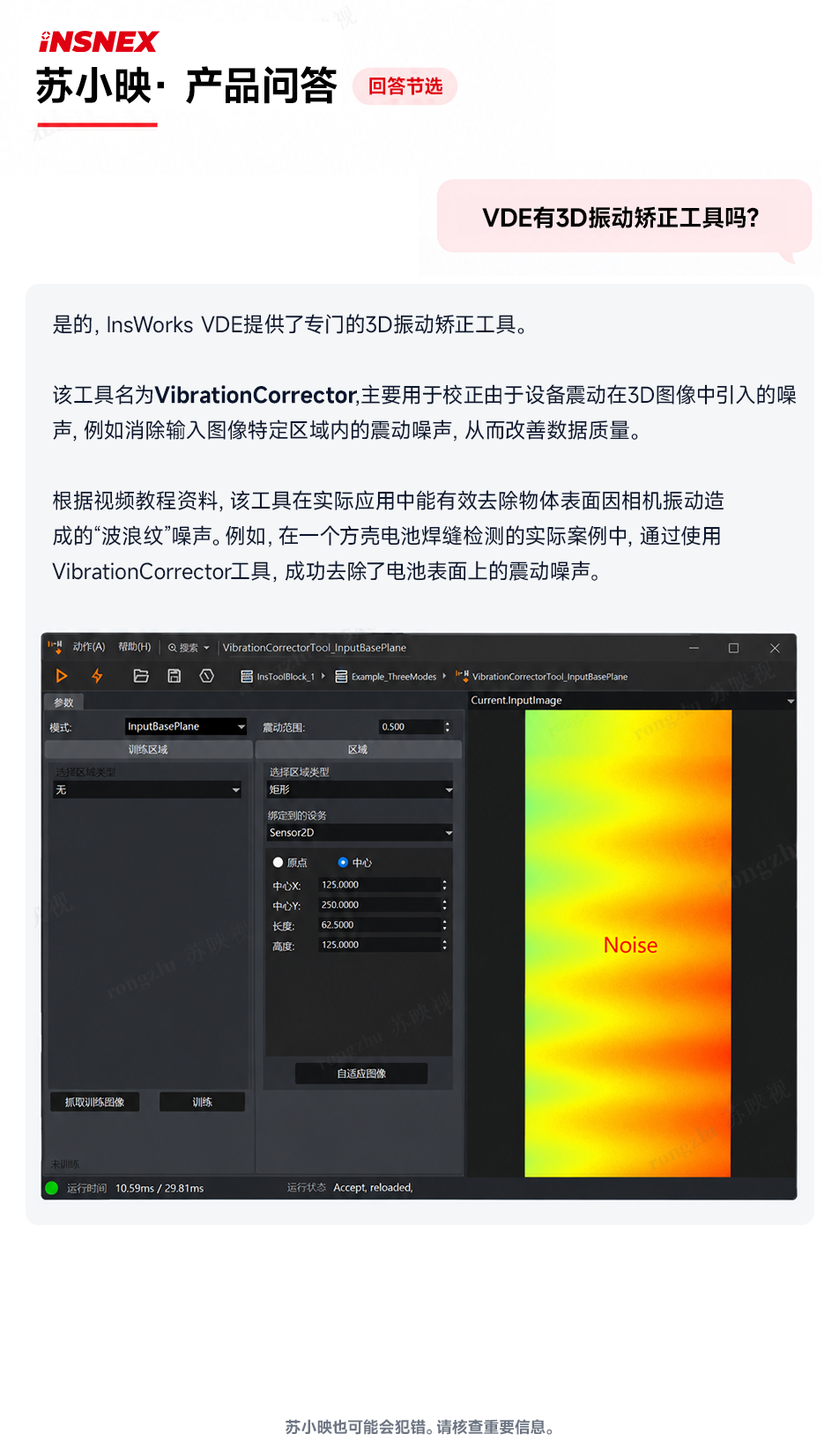
The assistant can help locate a tool, explain a parameter, suggest a tutorial, or point to a troubleshooting path. You can start with a suggested question, then mark an answer helpful or request an improvement. That feedback helps refine future answers. Further support for API and script development is planned.
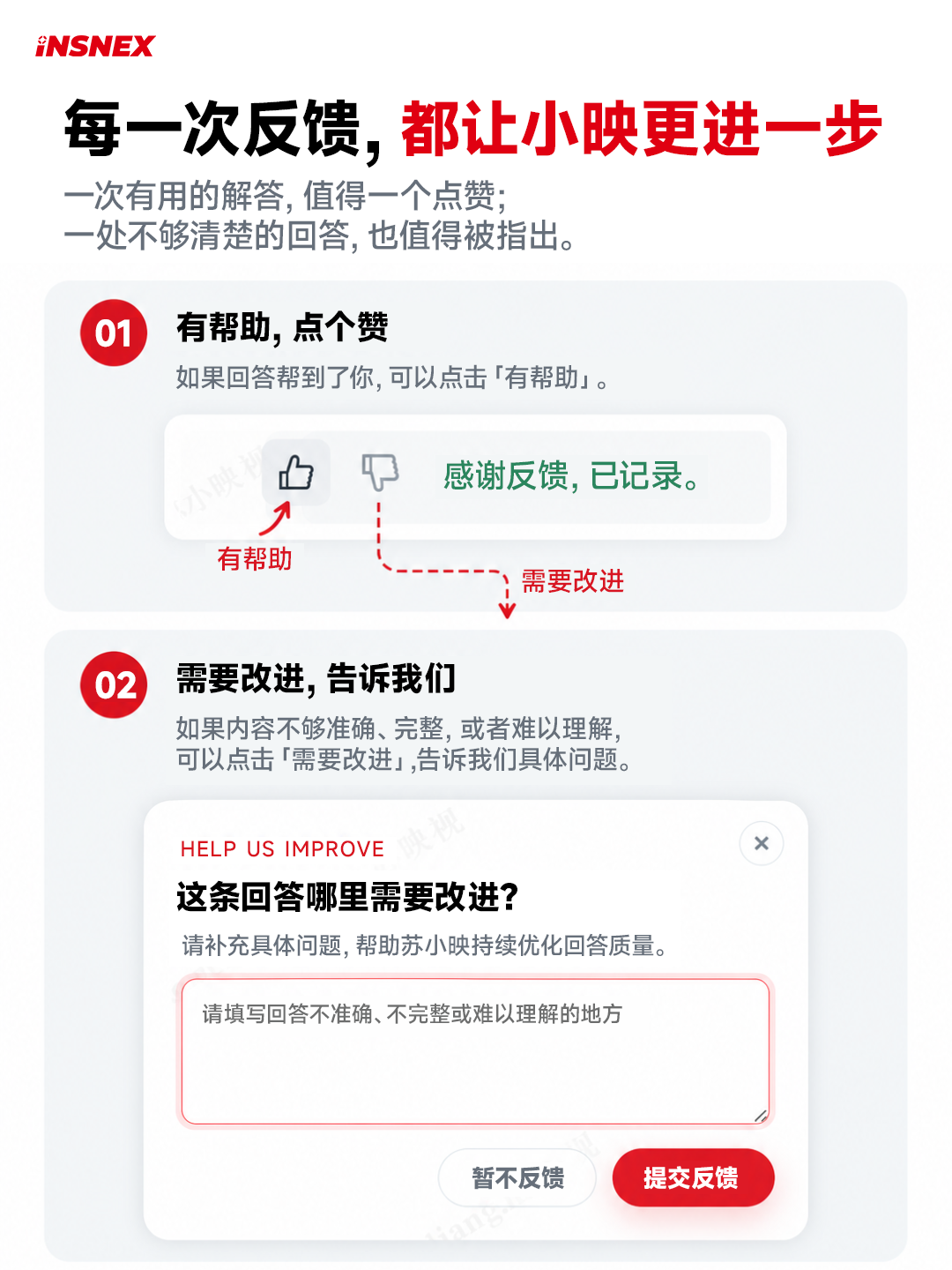
Meet the InsWorks AI assistant
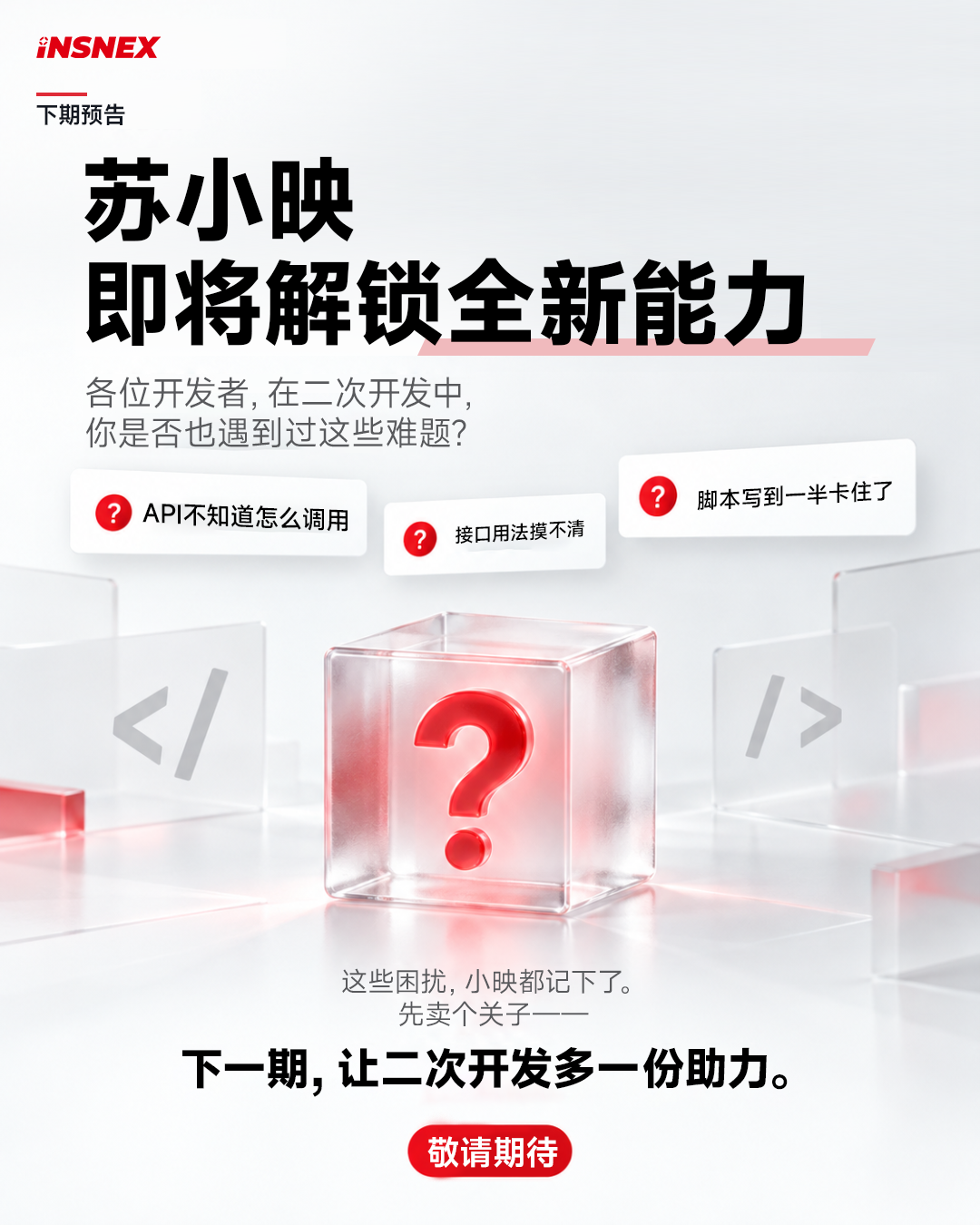

The InsWorks assistant, Su Xiaoying, helps answer product and technical questions. Ask how a vision tool works, where to find a tutorial, or how to troubleshoot a project. Suggested questions help you get started, and feedback on each answer guides further improvements.
Visit software.insnex.com or www.insnex.com to explore the updated site.